
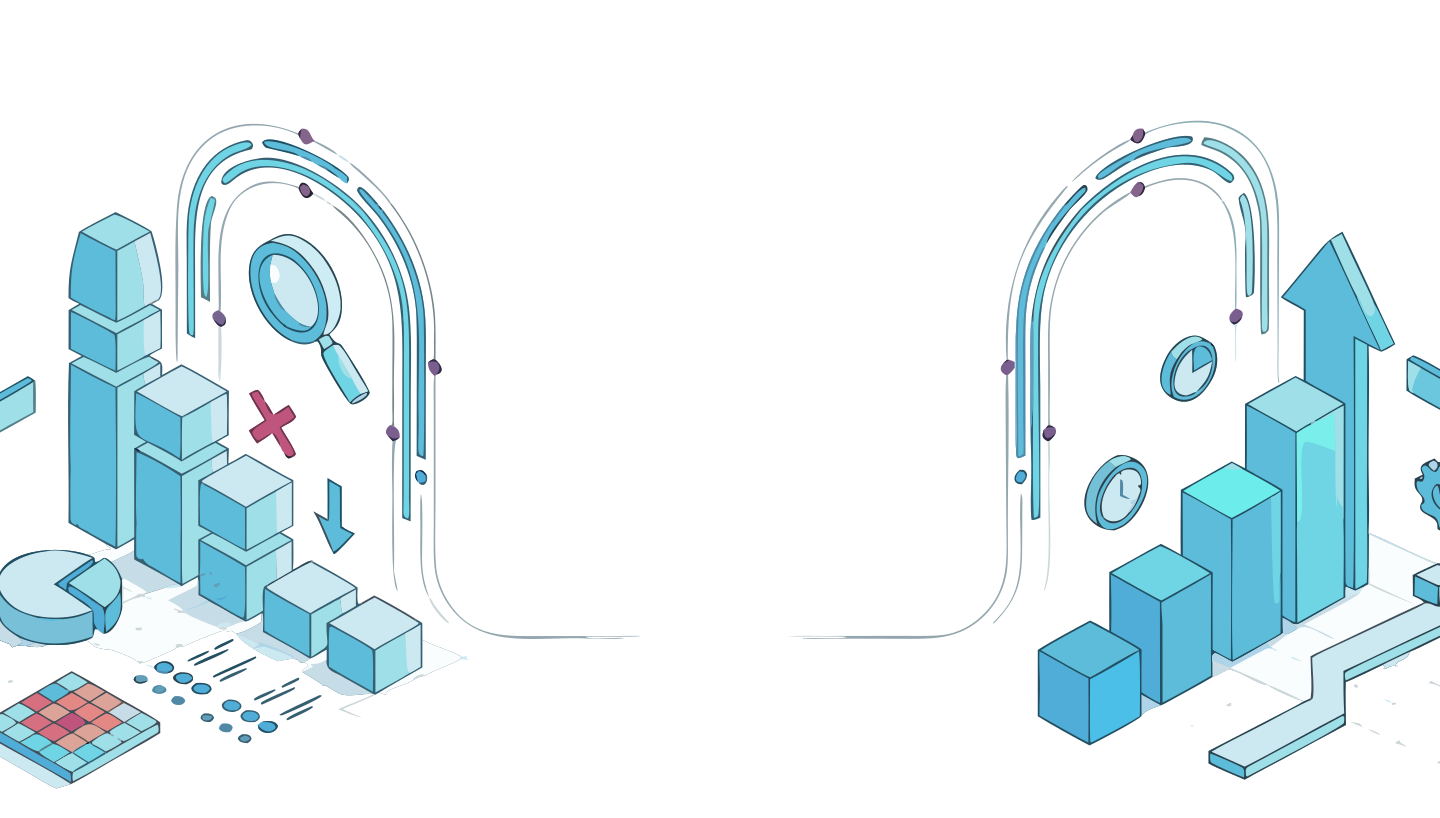
Find where your product
is losing users.
AI powered conversion analysis for founders and
product teams. Upload your screens, get a prioritized
fix list. In minutes, not weeks.
The UX Intelligence Layer
AI Analysis, Built for How Designers Actually Work
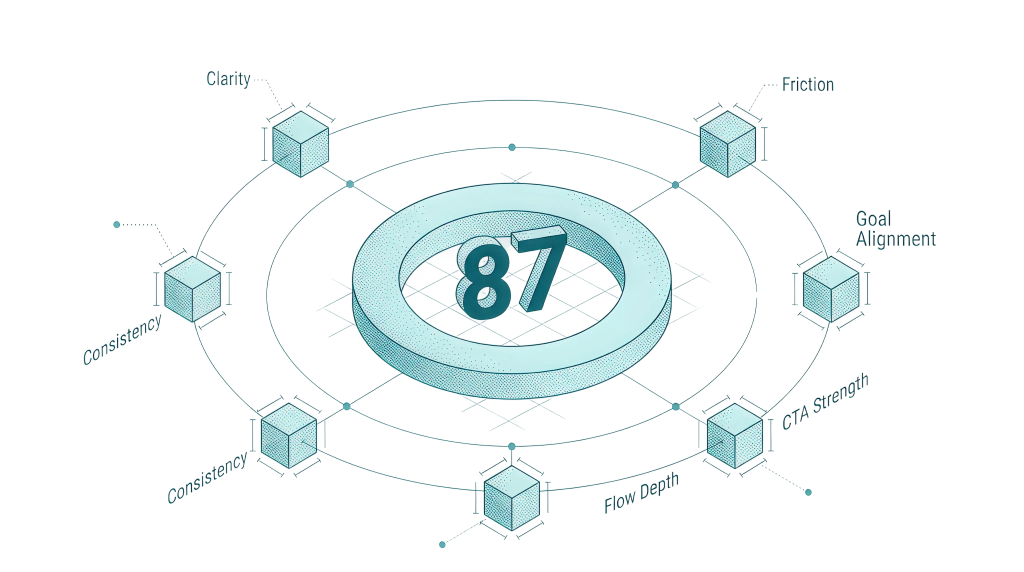
Upload a Figma flow, describe your product, and get AI calibrated UX feedback tailored to your audience and goal.
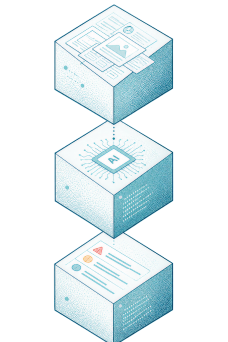

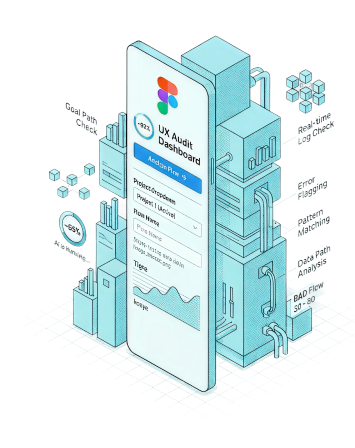
Dashboard
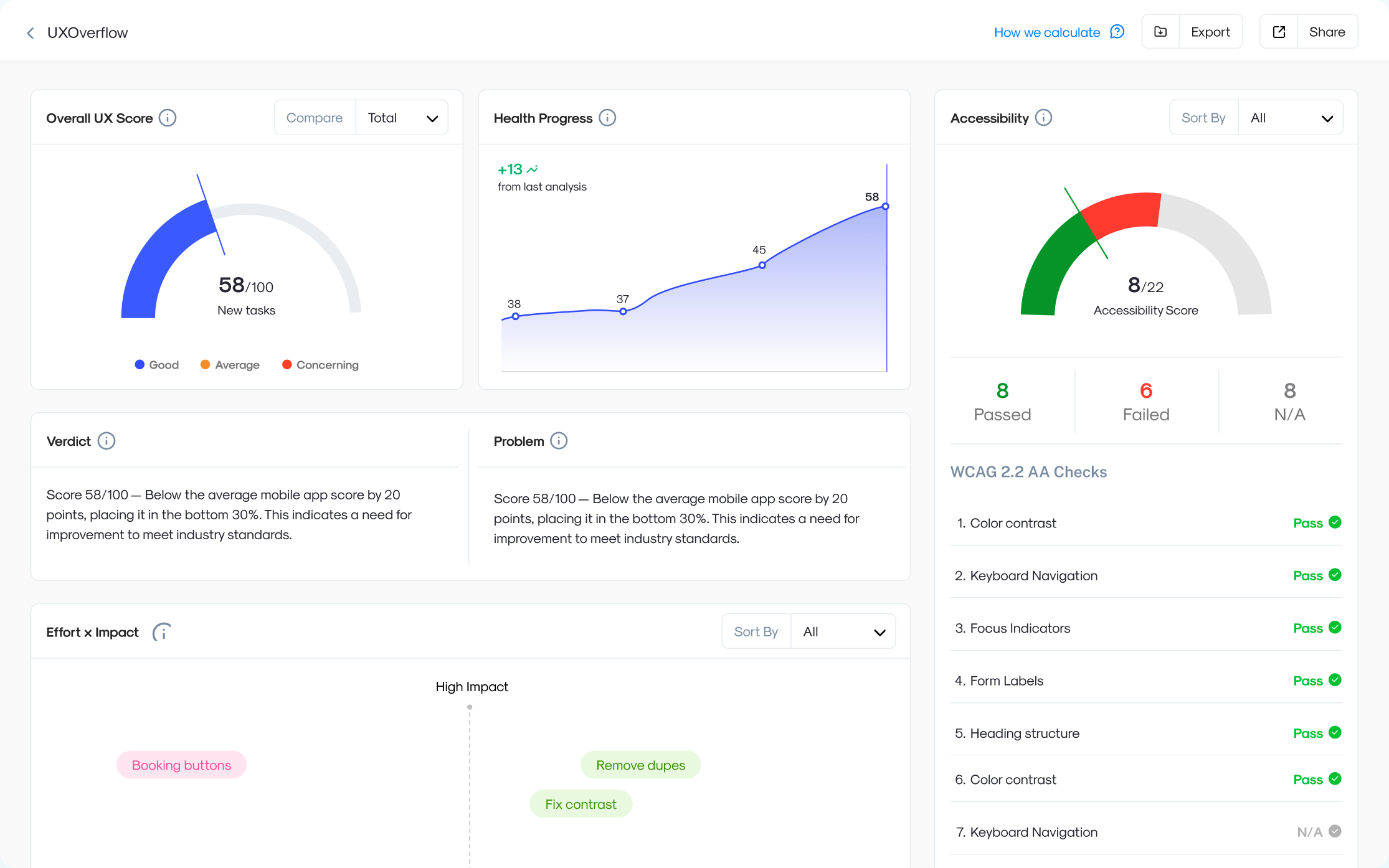
Run AI analysis on any flow, get actionable UX feedback in seconds.

Figma Plugin
Analyze designs without leaving Figma. Zero context switching.
UXOverflow
Analysis Engine
Upload a Figma flow, describe your product, and get AI calibrated UX feedback tailored to your audience and goal.
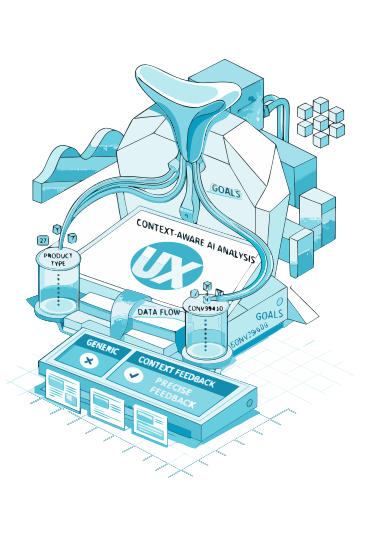
Not generic tips. Feedback for your exact product.
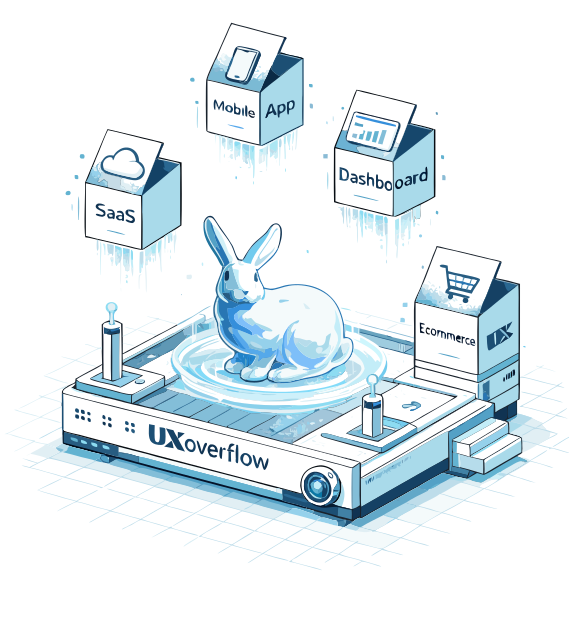
Tell us your product type, target users, and what action you're optimizing for. The AI adjusts its lens. A SaaS onboarding flow gets different feedback than a D2C checkout.
Built for the products AI is building
Whether you shipped with Lovable, Cursor, or your own code. UXOverflow finds what's costing you users.
Find where onboarding drops off and activation stalls.
Recover abandoned checkout revenue and optimize purchase flows.
Fix navigation friction and gesture dead ends before launch.
Reduce cognitive load and increase feature activation.
Optimize trust signals, search, and listing conversion.
Three steps to your first fix list

Describe your product
Product type, target audience, and the one action you want users to take.

Upload your screens
Drop in Figma exports or screenshots. The AI needs your actual flow, not a prototype.

Get your action plan
Prioritized findings with severity, effort to fix, and projected score impact. Share with your team or export as PDF.
Powered by leading AI models





Analyze designs without leaving Figma. Zero friction.
Set product type, audience & goal. AI adjusts its lens to match.
Break complex products into flows. Each one gets focused, specific feedback.
Export or share AI analysis reports with your team or stakeholders.
The full analysis goes further
15 more insights, prioritized fixes, and a step-by-step action plan are waiting inside the full report.

Frequently asked questions
UXOverflow delivers AI calibrated feedback in seconds, not weeks. Traditional audits cost thousands and depend on one reviewer's perspective. Our AI analyzes your flow against proven UX heuristics, tailored to your specific product type, audience, and goal. So you get actionable, unbiased feedback every time.
Just your Figma screens and a few details about your product. Tell us your product type, who your users are, and what goal you're optimizing for. The AI handles the rest. No onboarding calls, no setup, no learning curve.
Our analysis engine is calibrated against established UX principles including heuristic evaluation, cognitive load theory, and conversion best practices. It won't replace a senior UX researcher for nuanced qualitative research, but it catches 80% of usability issues that teams typically miss before shipping.
Yes. Your uploaded screens are encrypted in transit and at rest, processed only for your analysis, and never used to train AI models. You can delete your data at any time. We never share your designs with third parties.
Anything with a user interface. SaaS dashboards, e commerce checkouts, mobile apps, marketplaces, onboarding flows, landing pages, admin panels, and more. You set the product type and context, and the AI adjusts its analysis lens accordingly.
Absolutely. Every analysis generates a shareable report with a UX score breakdown, prioritized issues, and actionable recommendations. Export it or share a link directly with designers, PMs, or stakeholders.
Stop guessing.
Start fixing.
Find your product's conversion leaks in under 5 minutes.