
Analyze Designs Without
Leaving Figma
Select frames, run smart analysis, and get prioritized UX insights with actionable fix prompts. All inside Figma.
Install Plugin
How It Works
01
Select Your Frames
Pick any frames or screens in your Figma file — landing pages, flows, components, anything you want reviewed.
02
Run the Analysis
Hit analyze and our AI engine examines your designs across accessibility, hierarchy, consistency, and more.
03
Get Prioritized Insights
Receive ranked UX findings with severity levels and actionable fix prompts you can apply immediately.
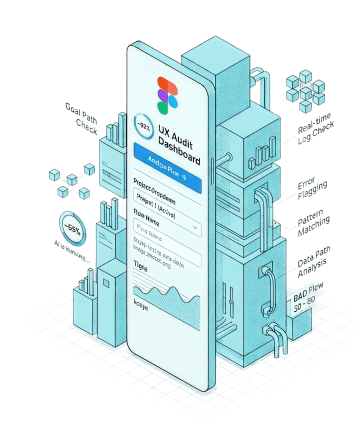
UXOverflow Analysis Engine
Frames enter the analysis engine, pass through six specialized modules, and emerge as ranked UX findings and fix prompts.
Ready to Upgrade Your
Design Reviews?
Install the plugin and start getting smarter UX feedback in seconds.